| Model & capacity | Fit & specifications | US offer |
|---|---|---|

Seagate IronWolfST4000VN006
|
4TB per bay. Check usable capacity after RAID and your NAS compatibility list. |
$179.99$45.00/TBView on Amazon ↗ — ST4000VN006, newChecked Oct 29, 2026 14:38 UTC |
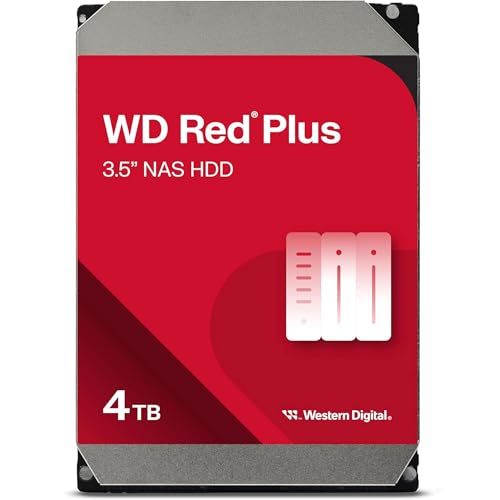
Western Digital WD Red PlusWD40EFZZ
|
4TB per bay. Check usable capacity after RAID and your NAS compatibility list. |
$232.48$58.12/TBView on Amazon ↗ — WD40EFZZ, newChecked Oct 29, 2026 05:57 UTC |

Seagate IronWolfST6000VN001
|
6TB per bay. Check usable capacity after RAID and your NAS compatibility list. |
$310.00$51.67/TBView on Amazon ↗ — ST6000VN001, newChecked Oct 29, 2026 13:14 UTC |

Toshiba N300MN10ADA800S
|
8TB per bay. Check usable capacity after RAID and your NAS compatibility list. |
$486.72$60.84/TBView on Amazon ↗ — MN10ADA800S, newChecked Oct 29, 2026 14:38 UTC |

Western Digital WD Red PlusWD100EFGX
|
10TB per bay. Check usable capacity after RAID and your NAS compatibility list. |
$459.99$46.00/TBView on Amazon ↗ — WD100EFGX, newChecked Oct 29, 2026 13:18 UTC |

Western Digital WD Red PlusWD120EFGX
|
12TB per bay. Check usable capacity after RAID and your NAS compatibility list. |
$533.81$44.48/TBView on Amazon ↗ — WD120EFGX, newChecked Oct 29, 2026 06:00 UTC |

Western Digital WD Red ProWD121KFBX
|
12TB per bay. Check usable capacity after RAID and your NAS compatibility list. |
$674.00$56.17/TBView on Amazon ↗ — WD121KFBX, newChecked Oct 29, 2026 14:39 UTC |
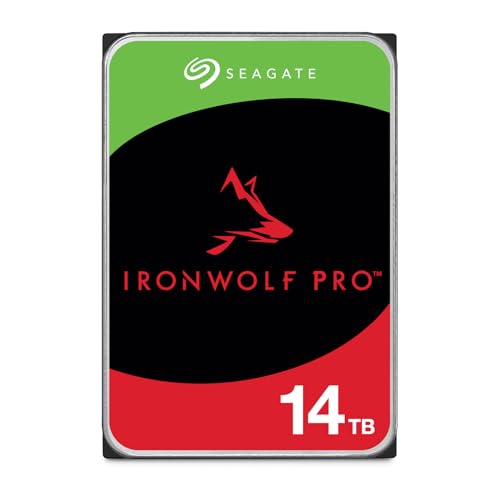
Seagate IronWolf ProST14000NT001
|
14TB per bay. Check usable capacity after RAID and your NAS compatibility list. |
$654.45$46.75/TBView on Amazon ↗ — ST14000NT001, newChecked Oct 29, 2026 13:17 UTC |

Toshiba N300 ProHDWG81GXZSTB
|
16TB per bay. Check usable capacity after RAID and your NAS compatibility list. |
$673.69$42.11/TBView on Amazon ↗ — HDWG81GXZSTB, newChecked Oct 29, 2026 14:40 UTC |

Seagate IronWolfST18000VN000
|
18TB per bay. Check usable capacity after RAID and your NAS compatibility list. |
$834.45$46.36/TBView on Amazon ↗ — ST18000VN000, newChecked Oct 29, 2026 13:17 UTC |

Toshiba N300 ProHDWG82AXZSTB
|
20TB per bay. Check usable capacity after RAID and your NAS compatibility list. |
$766.99$38.35/TBView on Amazon ↗ — HDWG82AXZSTB, newChecked Oct 29, 2026 14:40 UTC |

Seagate IronWolf ProST24000NT002
|
24TB per bay. Check usable capacity after RAID and your NAS compatibility list. |
$1,059.99$44.17/TBView on Amazon ↗ — ST24000NT002, newChecked Oct 29, 2026 14:38 UTC |
Specifications: linked manufacturer model pages. Selection covers different capacities and families; it is not a reliability ranking. Prices are per listed drive; Amazon’s price and availability at purchase apply.
Build a shortlist your NAS supports
Use your enclosure manufacturer’s compatibility documentation for the exact model and software version. Check interface, capacity limits, sector format and any workload or bay guidance. CMR is a useful requirement for many NAS workloads, but it does not alone establish compatibility or future reliability. Keep a separate backup even when the NAS uses redundancy.
Choose usable capacity before the cheapest drive
For two equal drives in RAID 1, nominal usable capacity is one drive’s capacity. Four equal drives in RAID 5 provide roughly three drives’ capacity before filesystem overhead. A pair of 8TB drives therefore targets 8TB in a mirror; four 8TB drives target 24TB in RAID 5. Compare the full drive-set cost, expansion limits and a separate backup before choosing capacity.
Buying a new NAS? Compare the enclosure and drives together
Start with your usable-capacity target and compare the cost of the full parts list. The examples below identify the enclosure, exact drive model, quantity and RAID layout, with separate Amazon US component links. They are planning examples, not preassembled bundles or hands-on performance tests. Check current manufacturer compatibility and software support, and budget for an independent backup.
For a home NAS: Red Plus and IronWolf
The sourced Red Plus and IronWolf models in this catalog are SATA CMR drives. Their published limits include up to eight bays and 180 TB/year workloads. Exact variants differ: WD40EFPX and ST4000VN006 are 5,400 RPM models with 256MB cache, while the 8TB WD80EFPX and ST8000VN004 differ in spindle speed. Compare full model numbers rather than assuming every capacity in a family behaves the same.
Toshiba N300 is another model-level comparison
N300 is Toshiba’s NAS family. Its current EMEA product range includes separate retail and bulk part numbers and multiple capacities. Use the region-specific source to identify the hardware, then check local availability and warranty. A catalog entry can be useful even when we have no reviewed Amazon offer attached to it.
For larger capacity: enterprise SATA can be an option
Exos X18, Ultrastar HC550 and Toshiba MG07 include high-capacity enterprise options. Check the exact interface and suffix: SAS versions are not interchangeable with SATA drives. A renewed enterprise unit needs a separate assessment of seller, return window and warranty provider. An original manufacturer specification is not a guarantee about the condition or remaining life of that unit.
Compare the cost of the whole build
Calculate the number of drives required for your chosen layout and usable capacity. Compare like-for-like new or renewed offers and account for taxes, shipping, backup storage and power. Use price per TB as a starting point, then check compatibility and terms. This guide does not claim to rank failure rates or acoustics from hands-on testing; its recommendations are a specification-based shortlist.
Quick Decision Guide
| Need | Start comparing | Check before purchase |
|---|---|---|
| Home NAS | WD Red Plus / IronWolf | Exact model, bay support and capacity |
| Another NAS family | Toshiba N300 | Regional model code and warranty |
| Bulk storage / experienced buyer | Enterprise SATA models | SATA vs SAS and renewed condition |
Frequently Asked Questions
Are these recommendations based on Disk Scout benchmark testing?
Does a manufacturer warranty apply to a renewed offer?
Sources
Ready to find the best deal?
Compare Amazon US offers by capacity, condition and price per TB.
Related Guides
Compare HDD models for NAS
Filter the manufacturer catalog by intended use.
Red Plus vs IronWolf
Compare exact 4TB, 8TB and 12TB models.
Exos vs Ultrastar
Check enterprise model suffixes.
IronWolf vs IronWolf Pro
Compare the cost and operating limits of Pro.
WD Red Plus vs Red Pro
Choose by workload and eligible warranty.
NAS noise and power
Plan a NAS for the room where it will run.